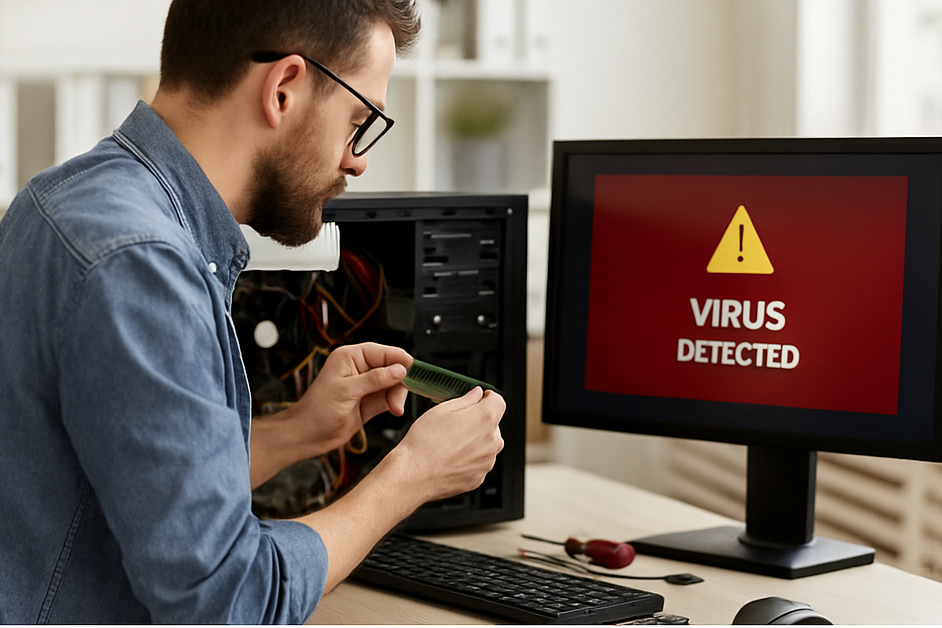
5 Signs Your Computer Has Malware
Malware infections can disrupt your work, compromise your data, and leave your system vulnerable to further attacks. Knowing the warning signs can help you act before it's too late.
- 1. Sluggish Performance: If your computer is unusually slow or programs take longer to open, malware could be consuming your system resources.
- 2. Unexpected Pop-Ups: Frequent, intrusive pop-up ads—especially outside your browser—are a major red flag.
- 3. Crashes and Freezes: Random restarts, system crashes, or blue screen errors may signal malicious software corrupting files.
- 4. New Programs You Didn’t Install: Unknown applications appearing on your desktop or task manager could be malware.
- 5. Disabled Security Tools: If your antivirus or firewall suddenly turns off, malware may be actively disabling your defenses.
If you notice one or more of these symptoms, run a full system scan immediately and consider seeking professional help to remove the threat completely. Proactive measures like keeping software up to date and avoiding suspicious links can go a long way.